github下载PowerShell最新版
官方地址:https://github.com/PowerShell/PowerShell/releases
PowerShell-7.5.4-win-x64.msi为例,下载后默认安装即可。
下载地址:https://github.com/PowerShell/PowerShell/releases/download/v7.5.4/PowerShell-7.5.4-win-x64.msi
github下载Terminal最新版
https://github.com/microsoft/terminal/releases
Windows Terminal v1.23.12811.0.zip为例,下载后解压打开WindowsTerminal文件
下载地址:https://github.com/microsoft/terminal/releases/download/v1.23.12811.0/Microsoft.WindowsTerminal_1.23.12811.0_x64.zip
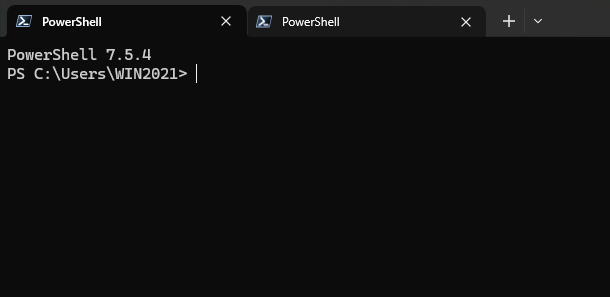
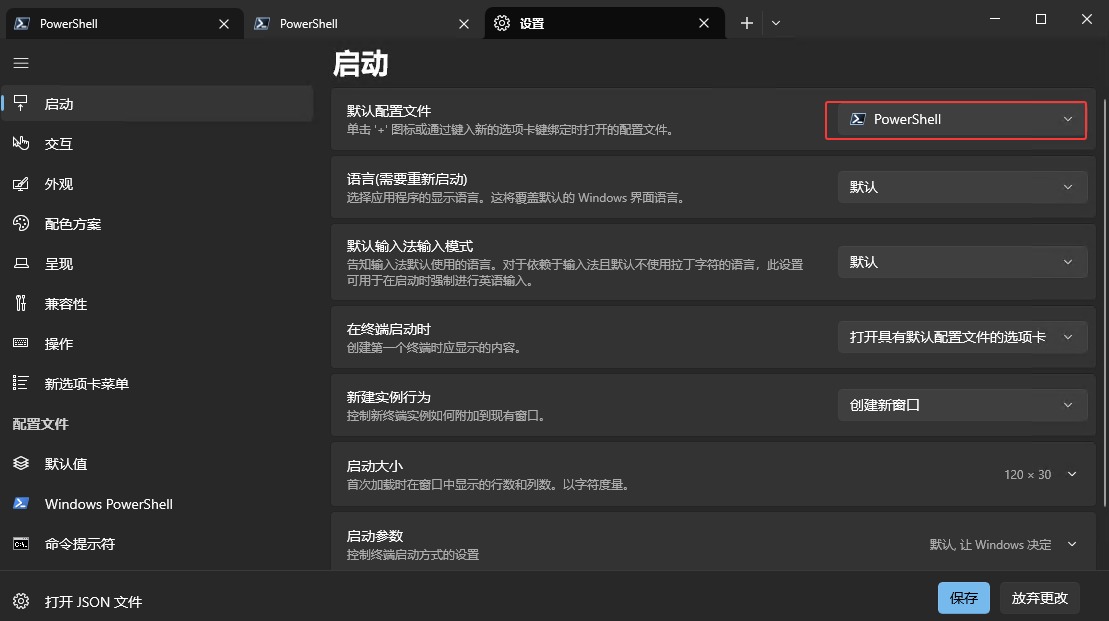
打开WindowsTerminal看到shell窗口可以多开,点击∧下三角符号,进入设置,默认配置文件可以选择刚才安装的最新版PowerShell,比默认系统安装支持的语法更多。
原创文章,作者:开心电脑网,如若转载,请注明出处。